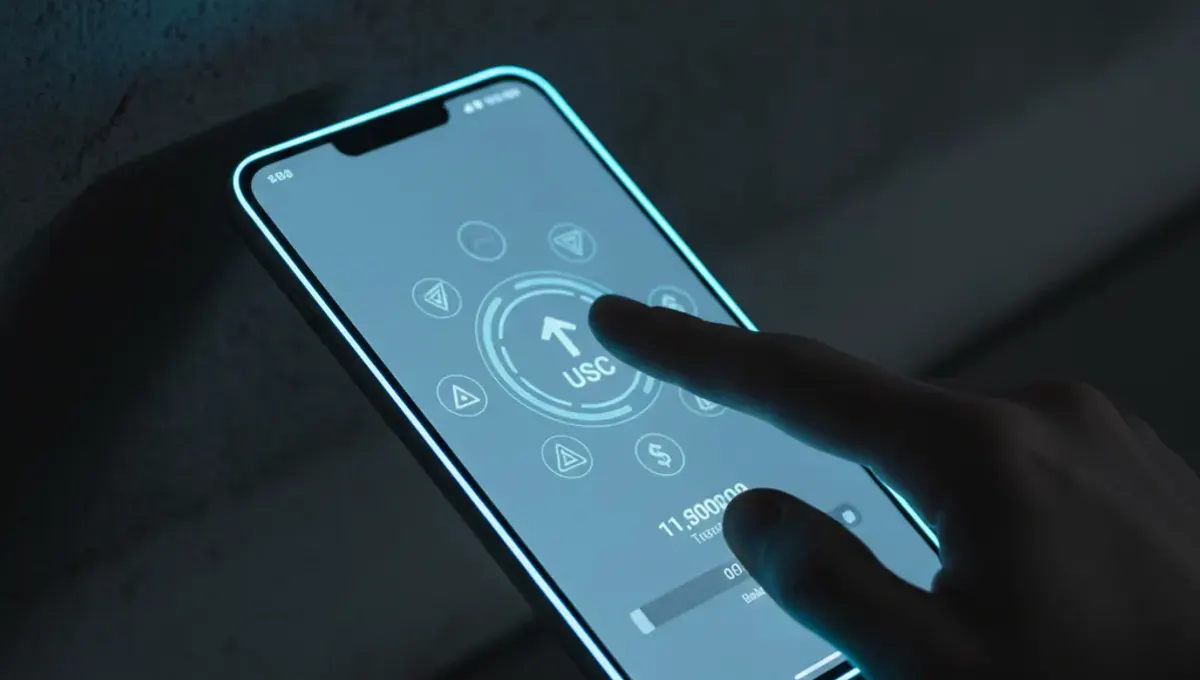
What Samsung Wallet's USDC Feature Actually Is
Samsung Wallet is a mobile application pre-installed on Galaxy devices that stores digital assets and payment methods. The new USDC support allows Galaxy owners in the United States to hold, send and receive USDC stablecoins, and crucially, to convert those stablecoins back into fiat currency and send it to bank accounts in over 60 countries. This is not a decentralized self-hosted wallet like MetaMask or Exodus; it is a custodial service where Samsung (or its chosen partner, likely a regulated cryptocurrency service provider) holds your private keys and manages the underlying blockchain transactions on your behalf.
The feature launched in October for eligible US Galaxy users. The specific eligibility requirements, regional restrictions and any fees associated with transfers or conversions remain the subject of Samsung's terms of service and privacy policy, both of which should be reviewed before using the service.
How This Differs from Self-Hosted Wallets
When you control a self-hosted wallet, you alone hold the private key. When you send crypto, you sign the transaction with that key on your device, and the blockchain records it under your control. With Samsung Wallet, you do not hold the private key. Samsung (or its partner) signs transactions on your behalf. This trade-off has advantages and risks.
The advantage is simplicity. You do not need to understand seed phrases, backups or recovery procedures. If you lose your phone, Samsung's account recovery process should restore your funds. The risk is dependence. If Samsung's service is hacked, shut down or exits the market, you have no direct access to your funds outside the app. You are also relying on Samsung's security practices, which may differ from your own device security.
For someone new to crypto and unwilling to manage keys themselves, this reduces the chance of irreversible loss due to personal error. For someone who values full custody and wants to minimize third-party risk, this is not the right tool.
Who This Serves and When It Makes Sense
This feature is most useful for people who want to hold stablecoins (USDC is pegged to the US dollar) on their phone for quick payments or remittances. If you are sending money to someone in one of the 60+ supported countries, you can transfer USDC to their wallet and they can cash out locally, often faster and cheaper than a wire transfer. Compared to traditional remittance services, the fees and speed may be compelling.
It also serves as a gateway to crypto. Someone who trusts Samsung and their bank might try stablecoins through this wallet before exploring decentralized finance or self-hosted wallets. However, this ease of access also means people may not understand the custody model or the irreversibility of blockchain transactions, creating a risk of user error or fraud.
Consider this feature for short-term holdings or frequent transfers. Avoid it for long-term storage of large amounts of funds unless you understand and accept that Samsung is the custodian and recovery depends on Samsung's continued operation.
Regulatory and Custody Questions
Samsung Wallet's USDC service operates under US financial regulations. Stablecoin custody and issuance are governed by state money transmitter licenses and federal guidance that continues to evolve. Samsung must comply with anti-money laundering (AML) and know-your-customer (KYC) rules. This means your account is tied to your identity and financial history, and Samsung may monitor your transactions and freeze your account if it suspects illegal activity.
This regulatory compliance is a feature, not a bug, if you care about protection against fraud and theft. However, it also means Samsung can block transactions, close your account or hold your funds if they determine your activity violates their policies. You have the right to dispute this, but the recourse may be slow and limited compared to access to cash in a bank account.
The stablecoins themselves (USDC is issued by Circle) are subject to periodic audits to confirm they are fully backed by US dollar reserves. This backing gives USDC its stability, but it is not the same as cash; the issuer and custodian can both fail, and you would then compete with other creditors for recovery.
Practical Security Implications
Your Samsung Wallet is protected by your phone's lock screen and, if enabled, biometric authentication (fingerprint or face recognition). This is significantly better than no security, but your phone is also a target for malware, phishing attacks and theft. A compromised phone can expose your credentials to apps with access to biometric data or storage.
If someone gains access to your Samsung account (through a leaked or guessed password, for example), they may be able to access your wallet and transfer your funds. You should use a strong, unique password for your Samsung account, enable two-factor authentication if available, and be careful about what apps you install on your phone.
Samsung Wallet does not address the dark web or custody of coins that have been on the dark web or are tied to sanctioned entities. If you need to check the history of USDC or any other token on the blockchain, you would need to use a separate tool to examine the public ledger.
Comparing This to Other Mobile Crypto Options
Other mobile wallets and exchanges offer similar features. Coinbase Wallet and MetaMask allow crypto transfers on smartphones, though they often give you the option to either self-host (hold your own keys) or use their custodial service. Cash App and Square offer Bitcoin and stablecoin transfers with similar custodial trade-offs. The differences lie in network fees, conversion rates, supported assets and regulatory standing.
When choosing a mobile crypto service, ask yourself whether you trust the provider, whether you understand the fees, whether the asset you are storing is appropriate for short-term holding, and whether you have a backup plan if the service becomes unavailable. For most people, using one service for long-term storage and another for frequent transfers is safer than consolidating everything in one account.
What This Means for Ordinary Users
The integration of USDC into Samsung Wallet signals that stablecoins are moving from a niche interest to an everyday payment tool. For users, this means easier access to a stable digital currency that can be transferred globally without touching banks or remittance services. It also means that ordinary smartphones are becoming financial infrastructure, which has security and privacy implications you should understand.
If you use Samsung Wallet for USDC, treat it as you would a payment app like PayPal or Venmo: convenient for moving small amounts, not suitable for storing life savings, and subject to the provider's terms and compliance obligations. Do not assume that because it is on your phone and involves blockchain, you have complete control or anonymity. You are trading some control for ease of use and regulatory protection.
Before adopting any new crypto feature, verify the official announcement on Samsung's website or press releases from Circle (the USDC issuer), and read the terms of service carefully. Clone apps and phishing pages that impersonate Samsung Wallet do exist, so download only from the official Samsung Galaxy Store or Google Play Store, and check the developer name.